

Before — static QR
One print, stuck in time
- Outdated links and old phone numbers
- Expired menus and past promotions
- Dead pages after you move or rebrand
- Reprint stickers and cards every time
QR pages you can update anytime
One code on your card, menu, or tag—always opens the page you have today. Edit anytime without reprinting the QR.
The static QR problem
People already use QR on business cards, menus, badges, and packaging. When life changes, static codes become wrong—and expensive to fix.
Before — static QR
After — LivingTag
See it in action
This is what people experience—and what you control behind the scenes.
Scan the QR
On a card, menu, tag, or sticker
Page opens
Profile, menu, or story—mobile-ready
Edit your page
Change links, photos, or hours anytime
Same QR, new info
The code never changes—visitors see updates
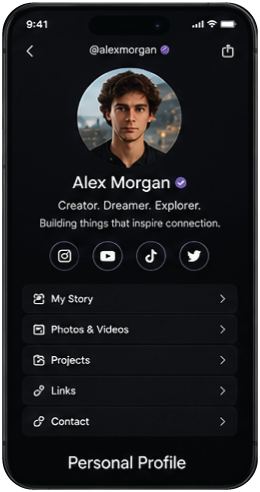
How it works
Create a page, keep the same QR on what you already use, and update the page whenever life changes.
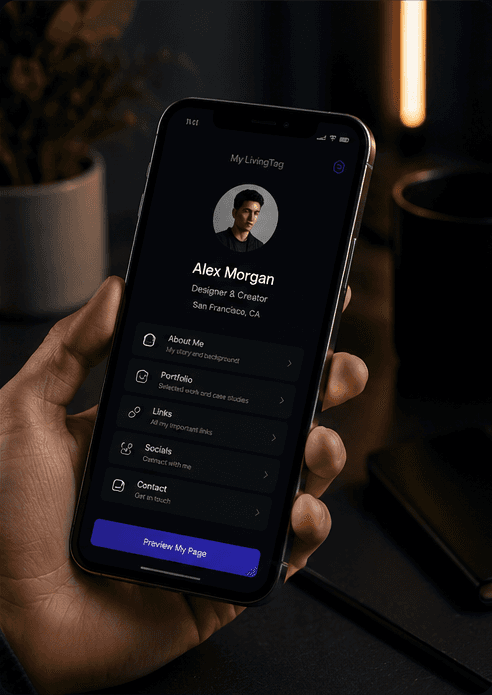
Build a profile, menu, or memorial page you can edit anytime.
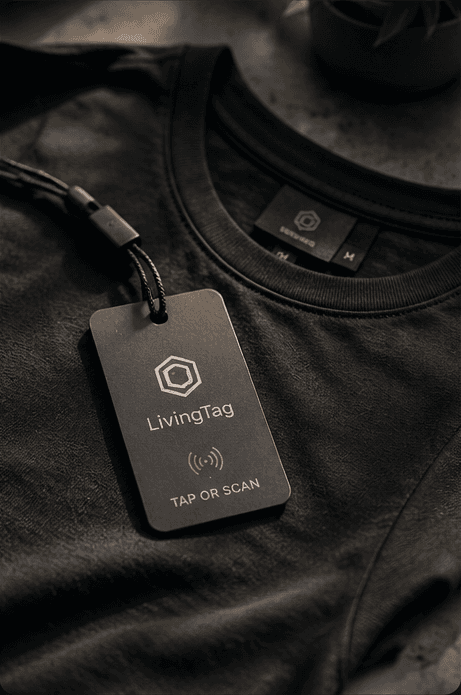
Same code on a business card, shirt, menu, badge, or gift tag.
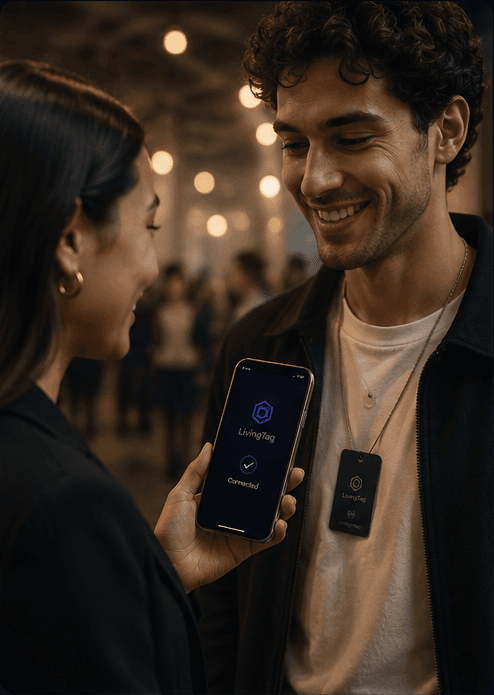
People open your latest page—no reprint when details change.
Real people, real objects
If you have ever put a QR on a card, menu, badge, or gift—you will recognize yourself here.
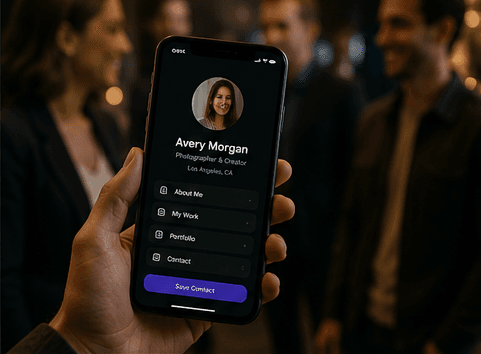
One QR on your card or bio—profile, links, and offers stay current.
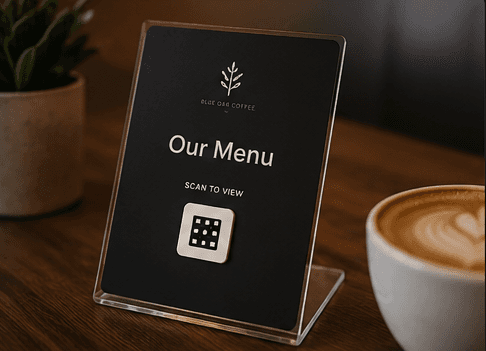
Menus, hours, and specials update without printing new QR stickers.
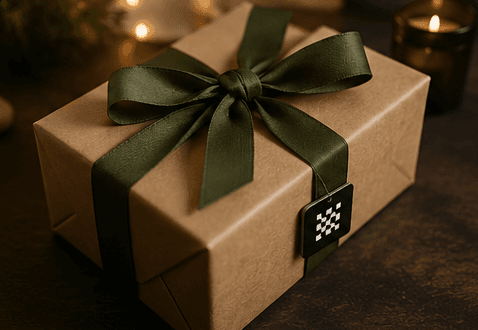
Share photos, stories, and tributes on a page family can update.

Badges and handouts that open the right info on event day.
Hand someone a card—the QR always opens today’s number and links.
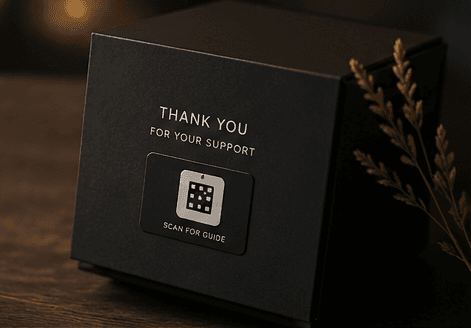
Instructions, recalls, or stories—update the page, keep the same QR.
Need a QR code first? Create one free. When you are ready for a page you can update anytime, connect it to LivingTag.
On what you already use
Shirts, cards, gifts, events, and packaging—LivingTag fits objects people already scan.
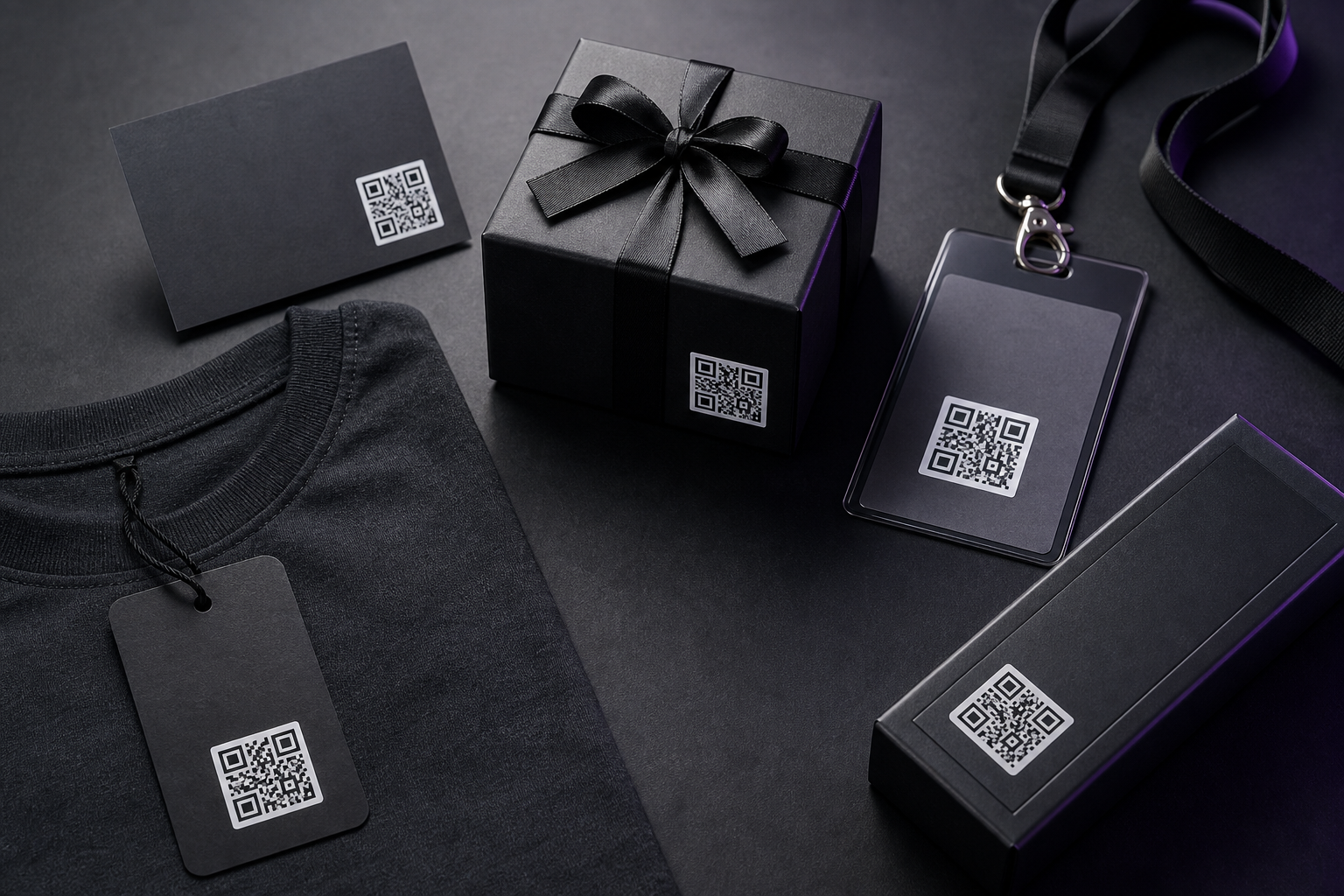
Wear your QR where people already look.
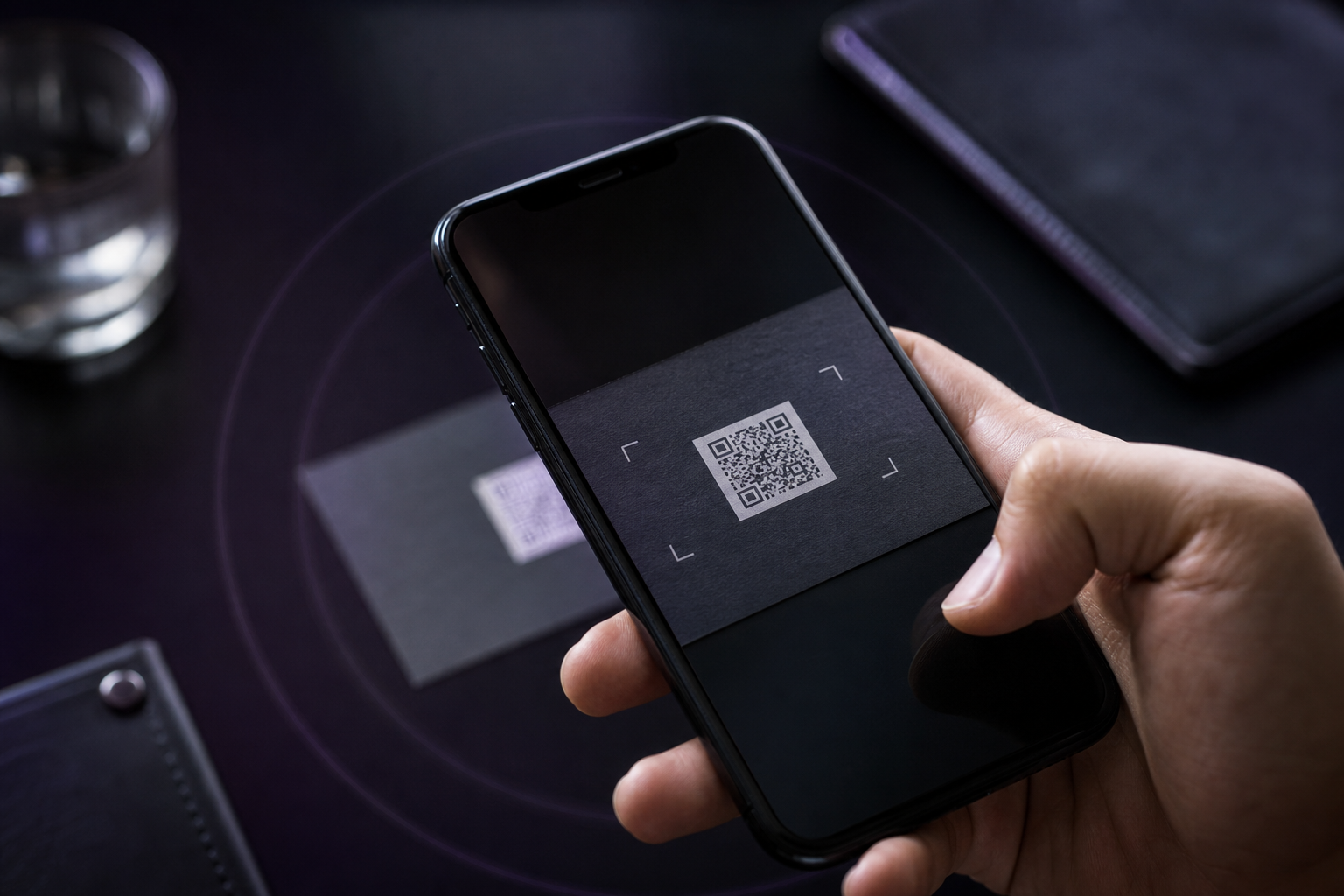
Hand someone a card that always opens today’s page.
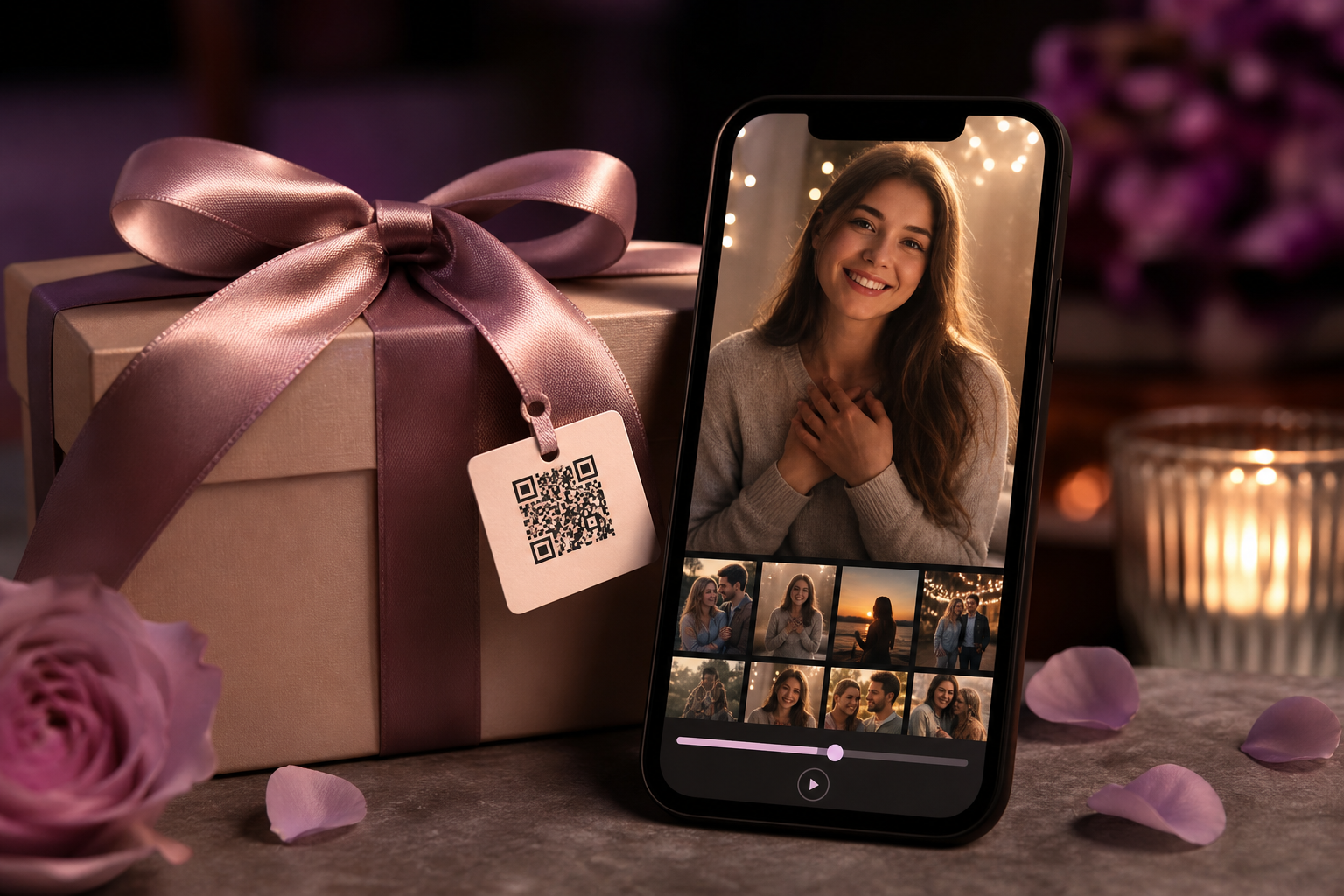
Attach a message or album to something meaningful.
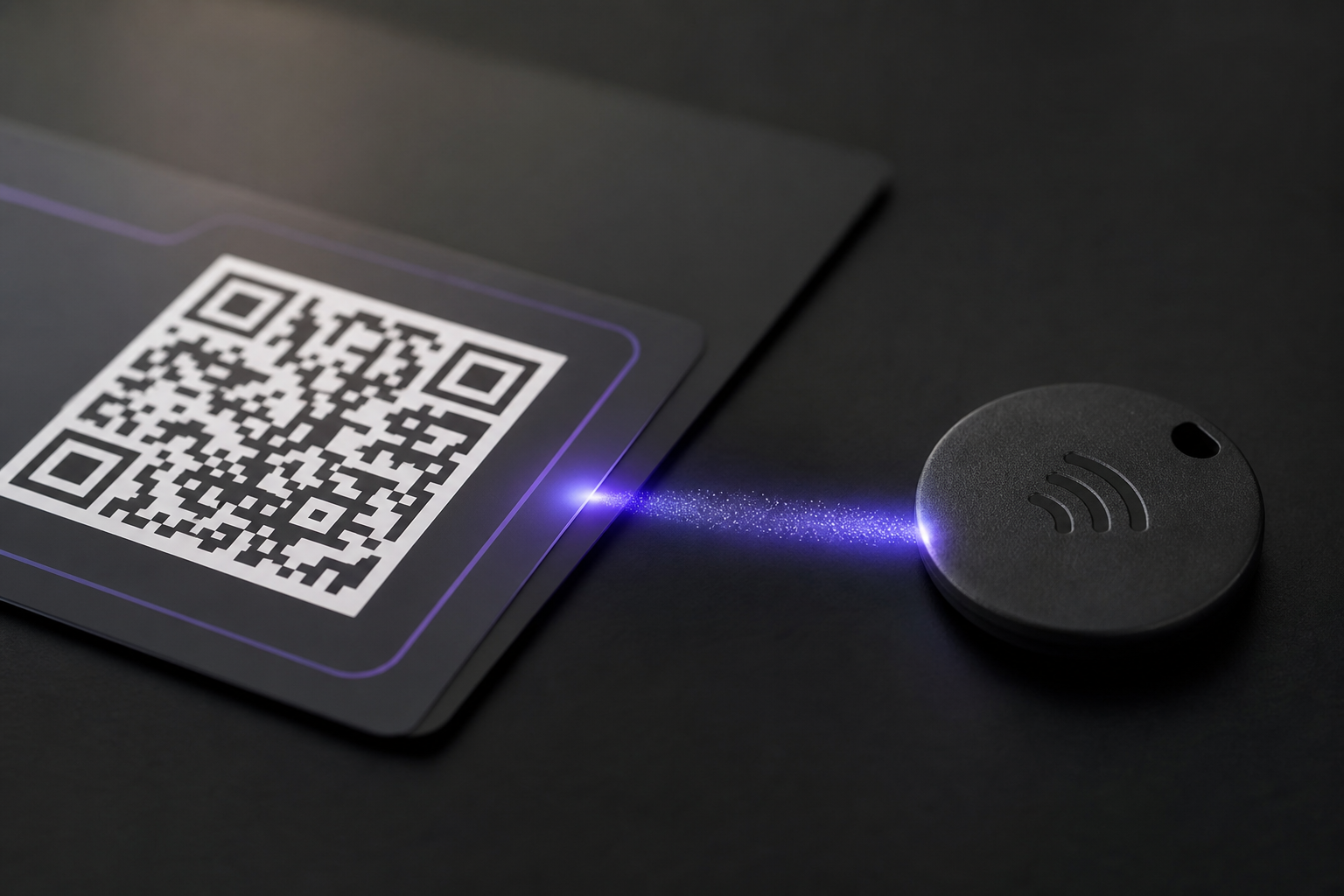
Turn a necklace, keychain, or keepsake into a shareable page.
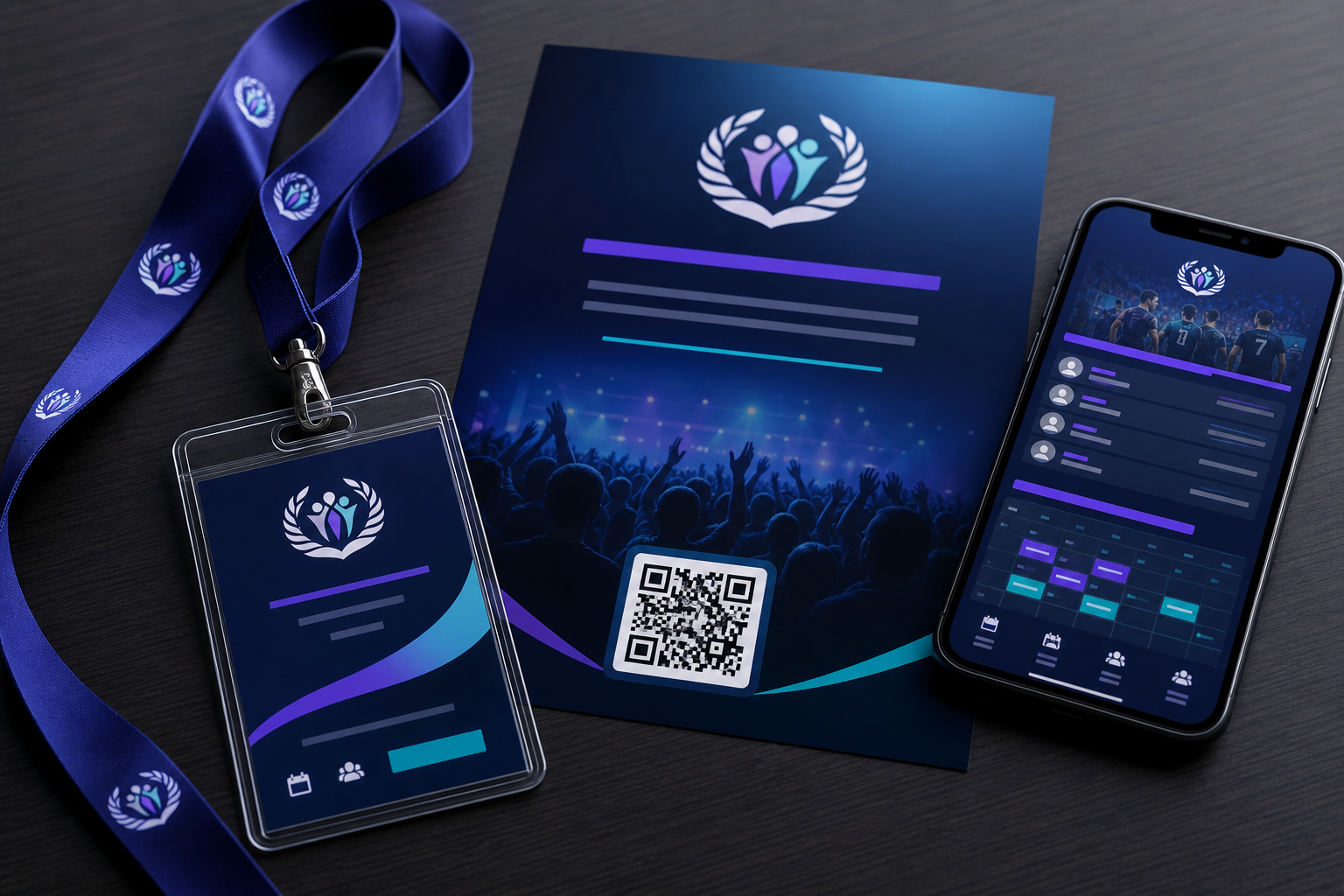
Badges and booths that open the right info on the day.
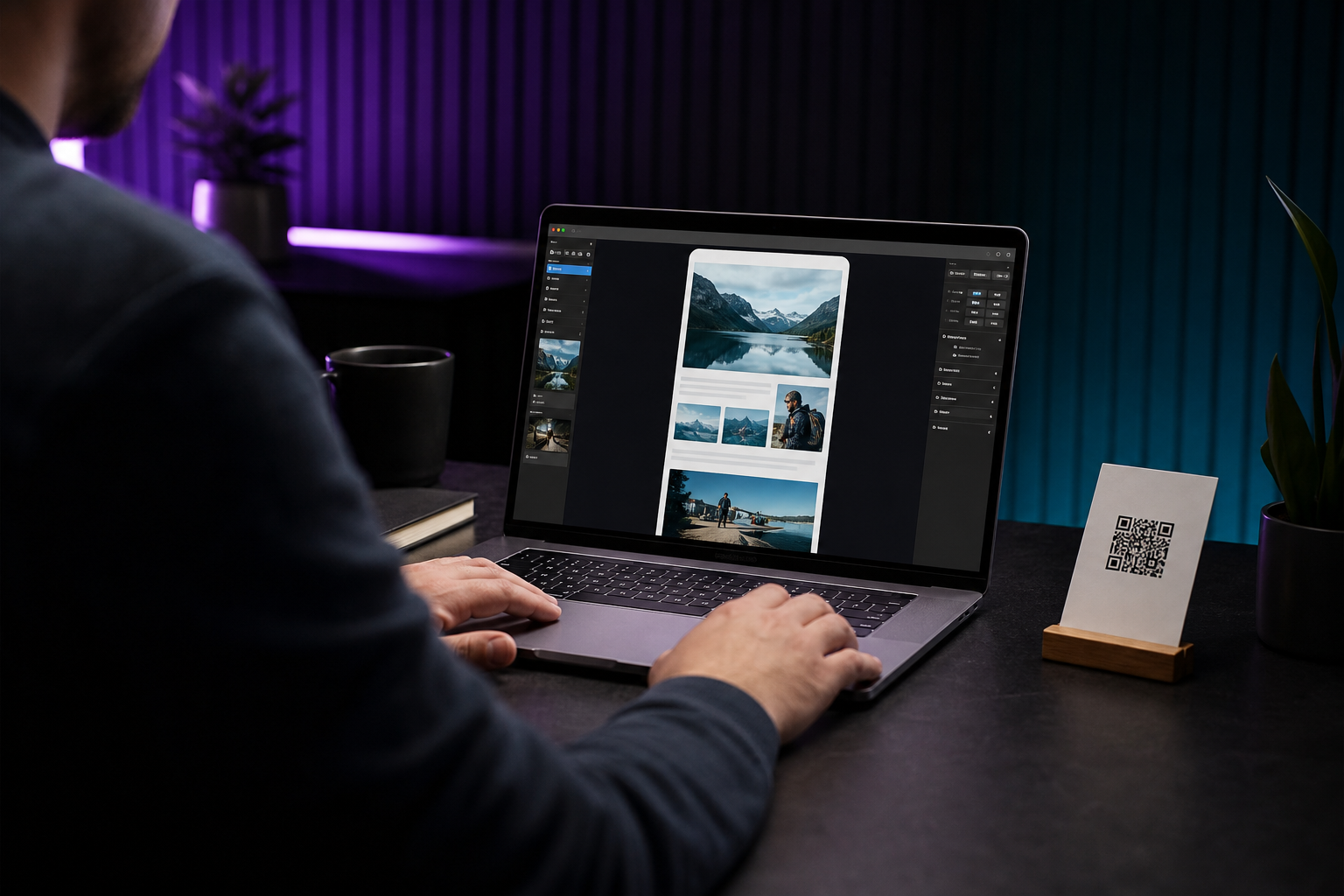
Same QR for instructions, updates, or the story behind the product.
Why we built it
We built LivingTag because technology should help connection feel easier — not colder. The things we carry, wear, give, and share deserve a story that can grow with us.
Ready when you are
Create your page in minutes—or explore a live demo first.
