

Same code
Same QR code — print once
How it works
Create a digital page, connect it to something real, and update what people see anytime.
In plain terms
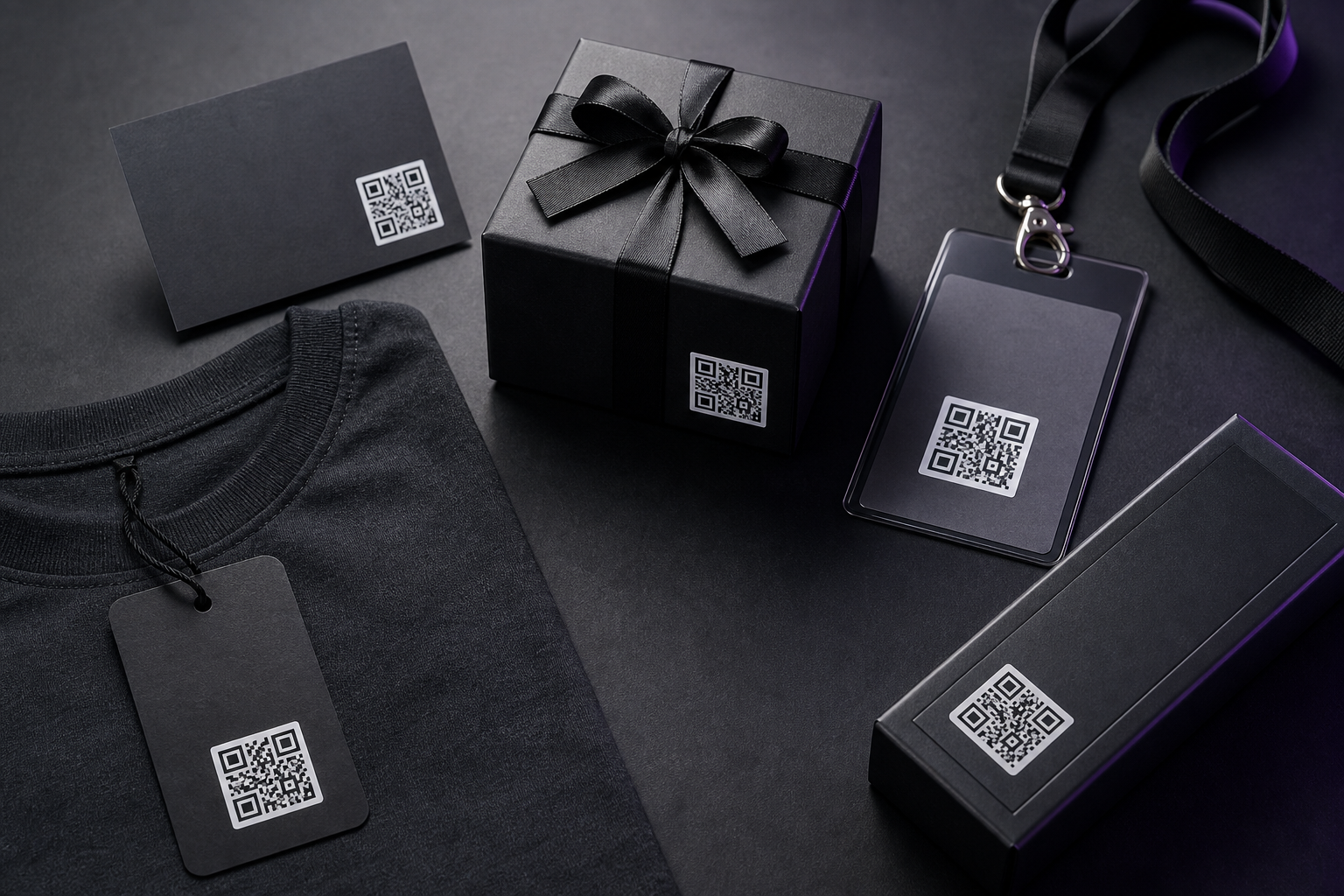
A LivingTag is a digital page connected to a QR code or NFC tag. You can place it on clothing, cards, gifts, products, events, or memories. When someone scans or taps it, your page opens in their browser.
The mechanic
Same code
Same QR code — print once
Your control
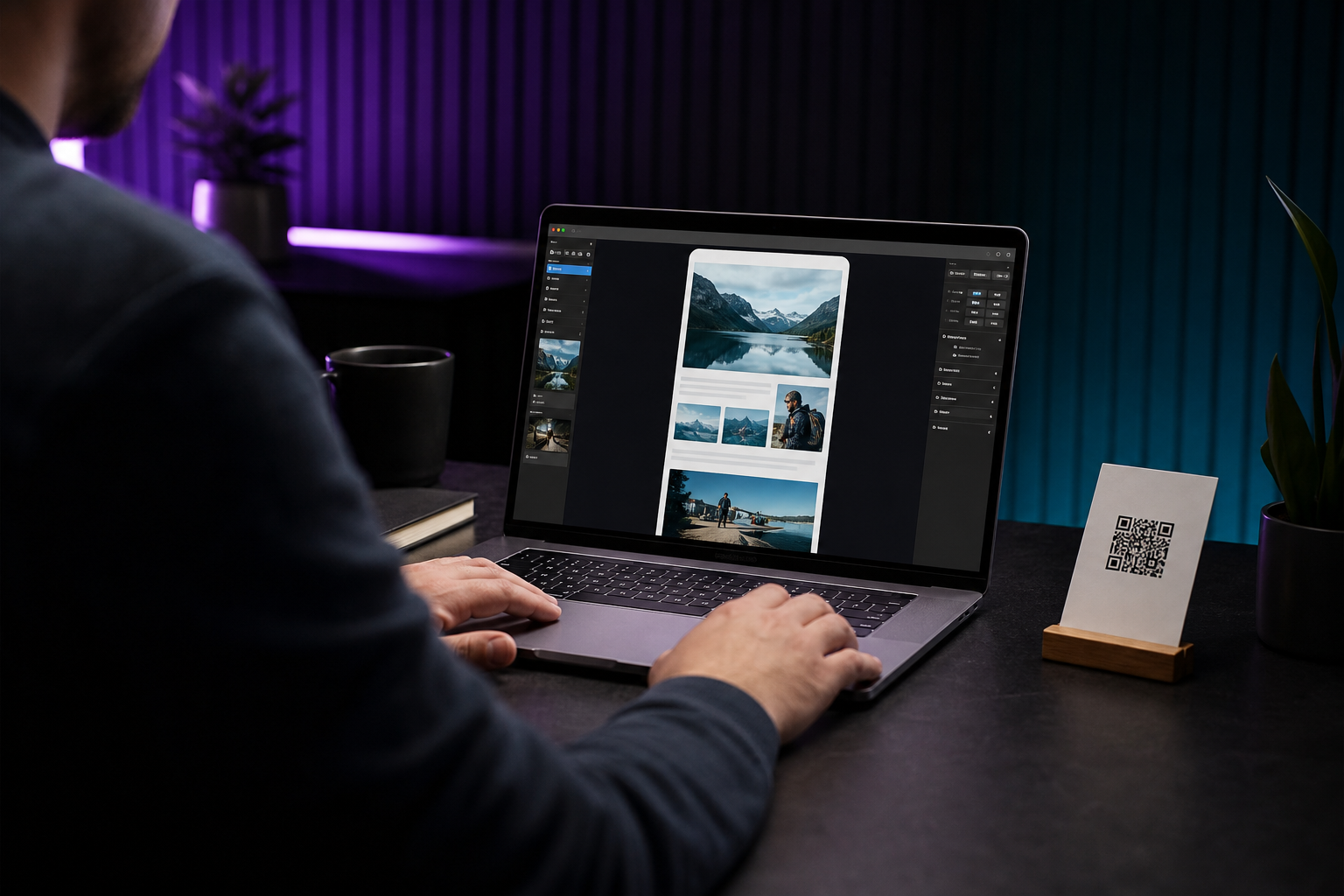
Editable LivingTag page
No reprint
Updated content, same scan
Step by step
The tag stays on the object. The page is what you keep up to date.
Add photos, videos, links, messages, business info, memories, or creator content — whatever fits your story.
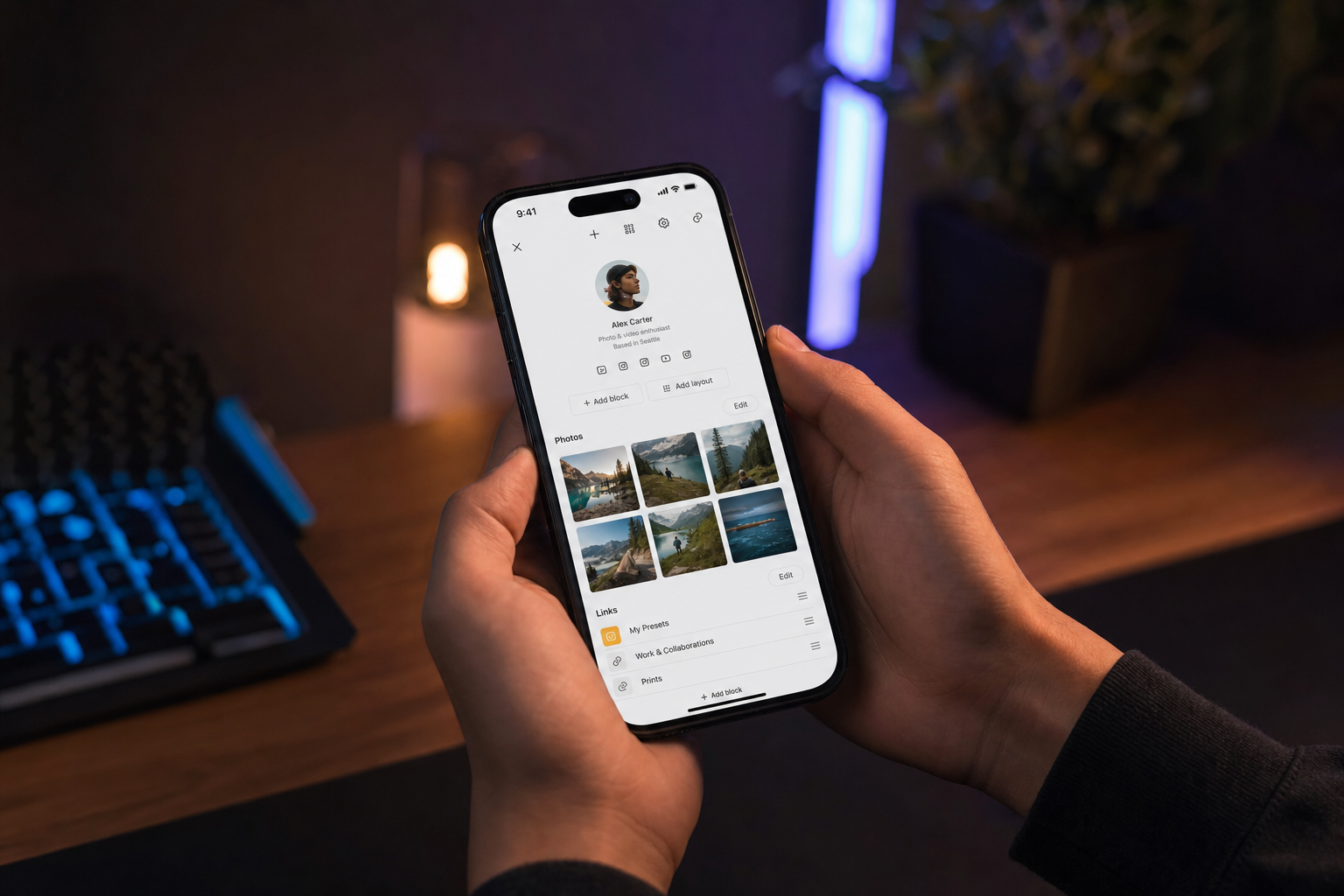
Your page links to a QR code or NFC tag that LivingTag provides or that you print yourself.
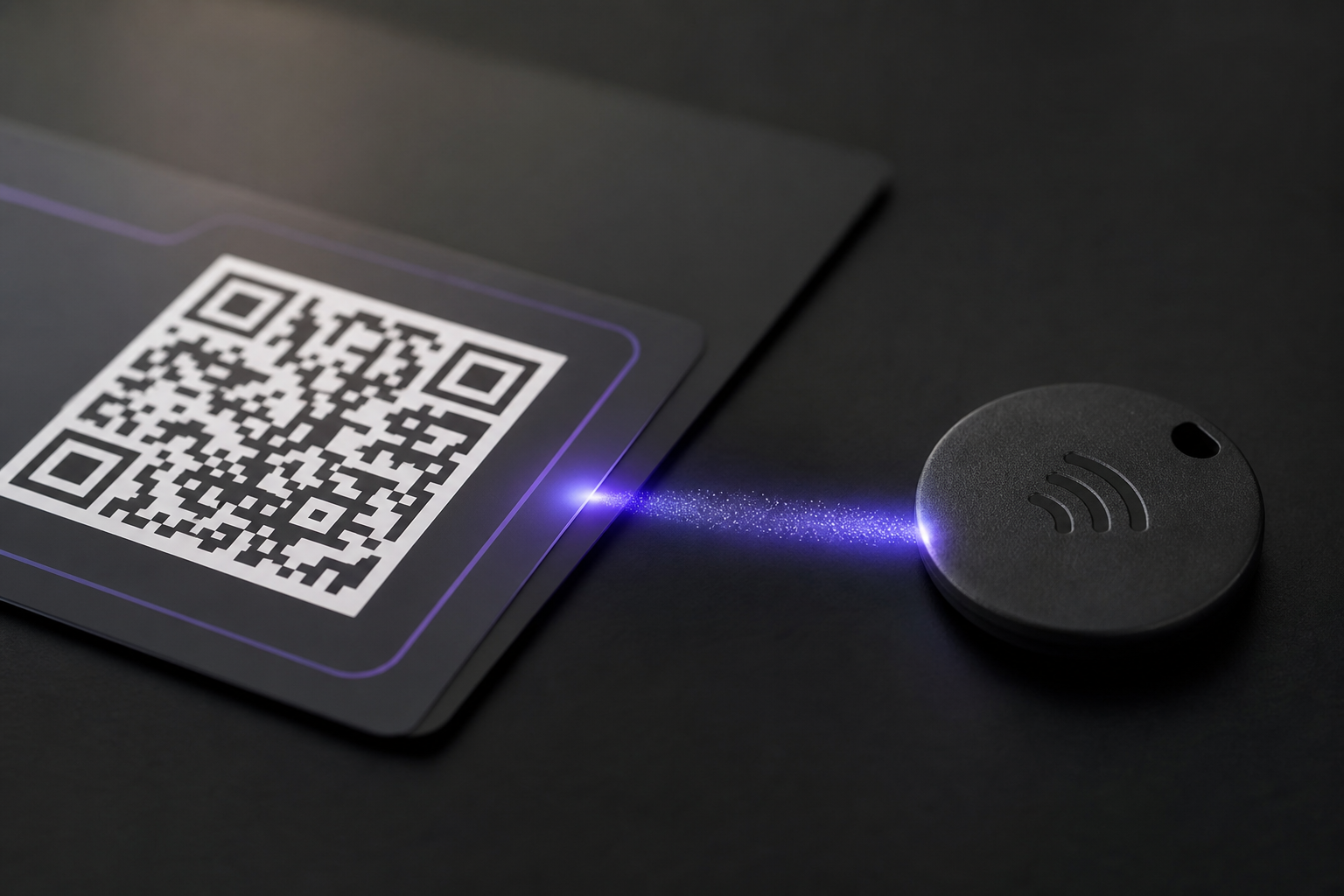
Put the tag on clothing, cards, products, gifts, packaging, event badges, or memorial keepsakes — wherever people will notice it.
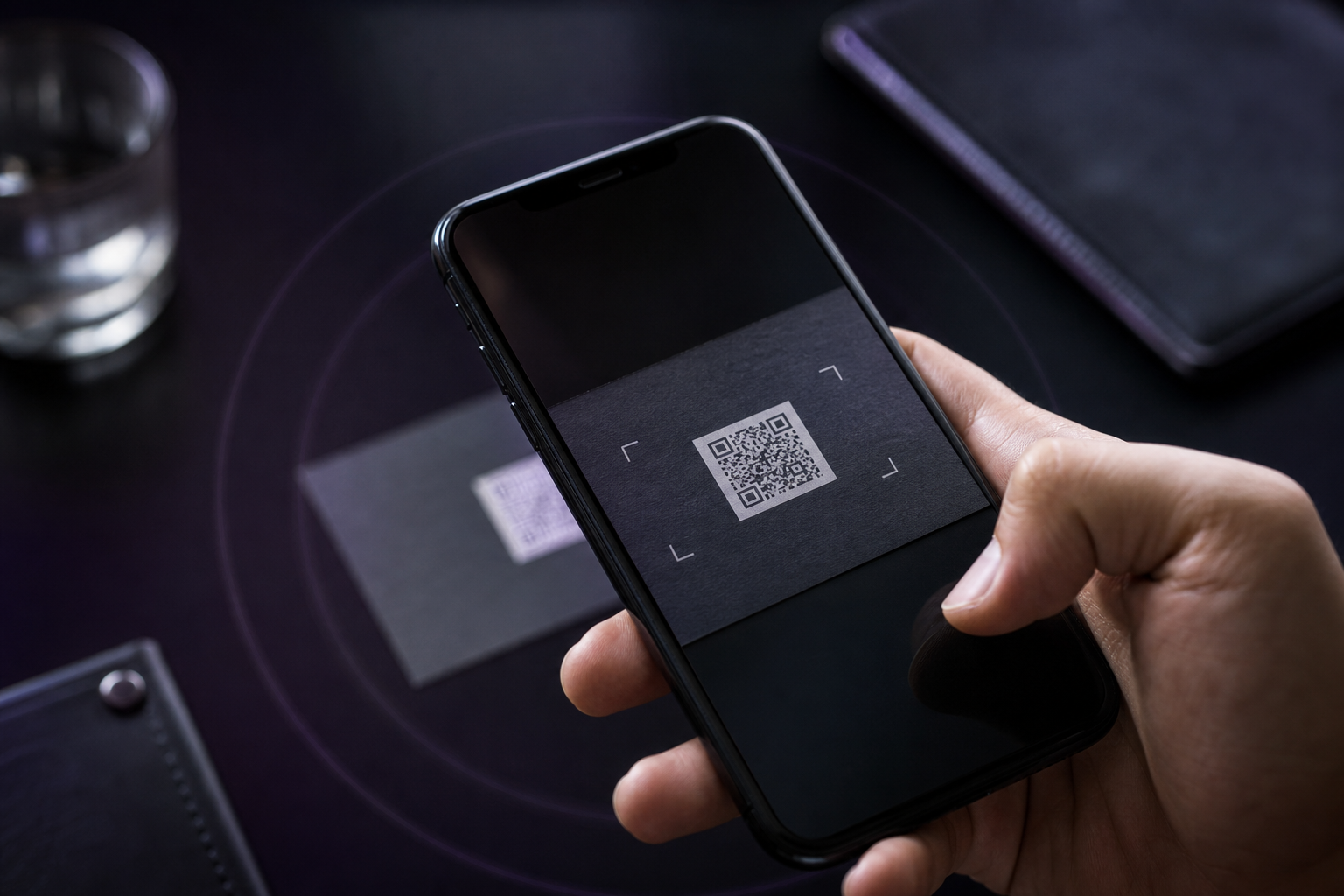
They open your page in their phone browser. No app download required for visitors.
Change photos, text, links, or hours whenever you need to — without reprinting the tag.
Uses
One system — many real-life situations.
A living introduction with photos, links, and a short story that can grow with you.
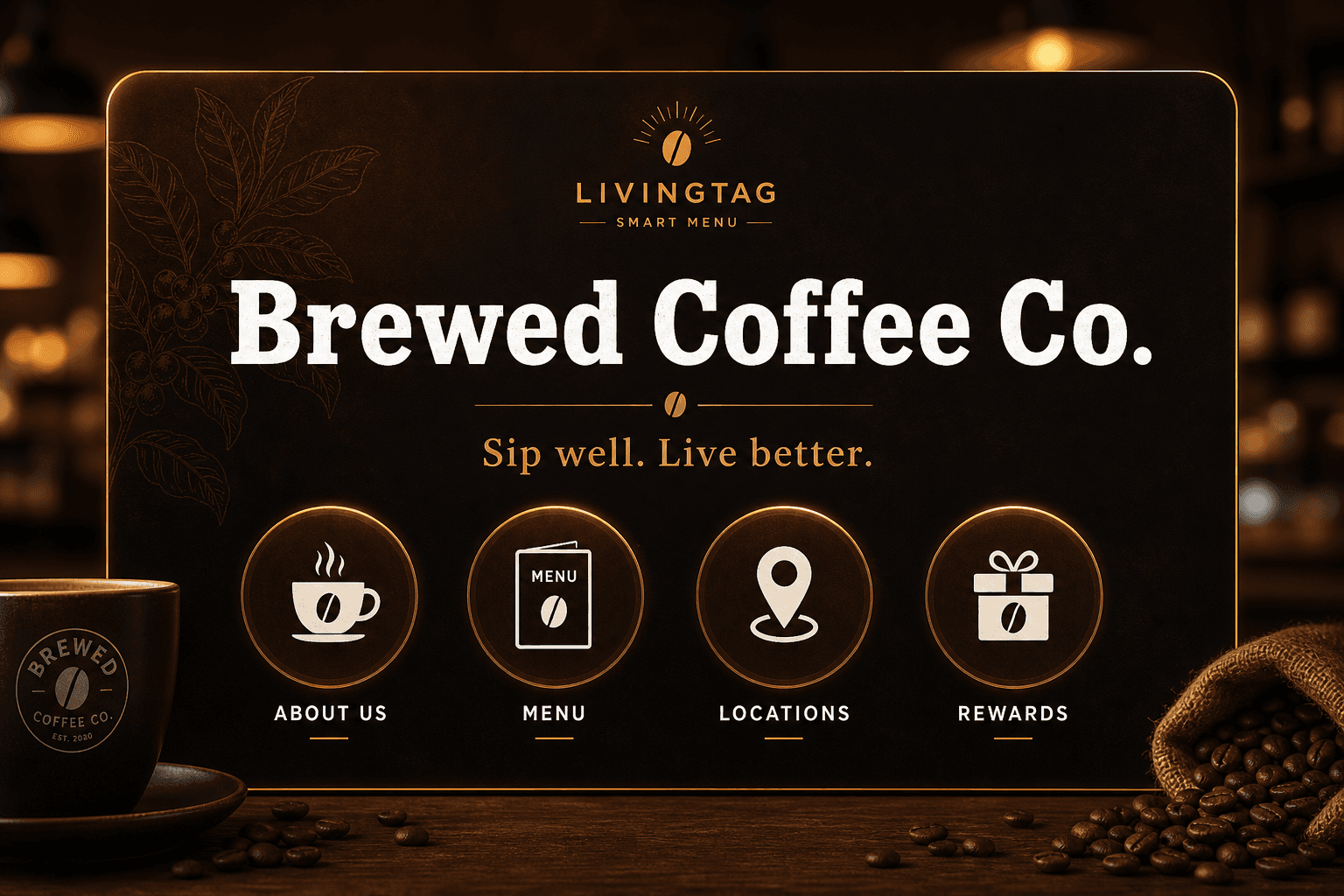
Menus, hours, offers, and contact details that stay current on cards and signage.
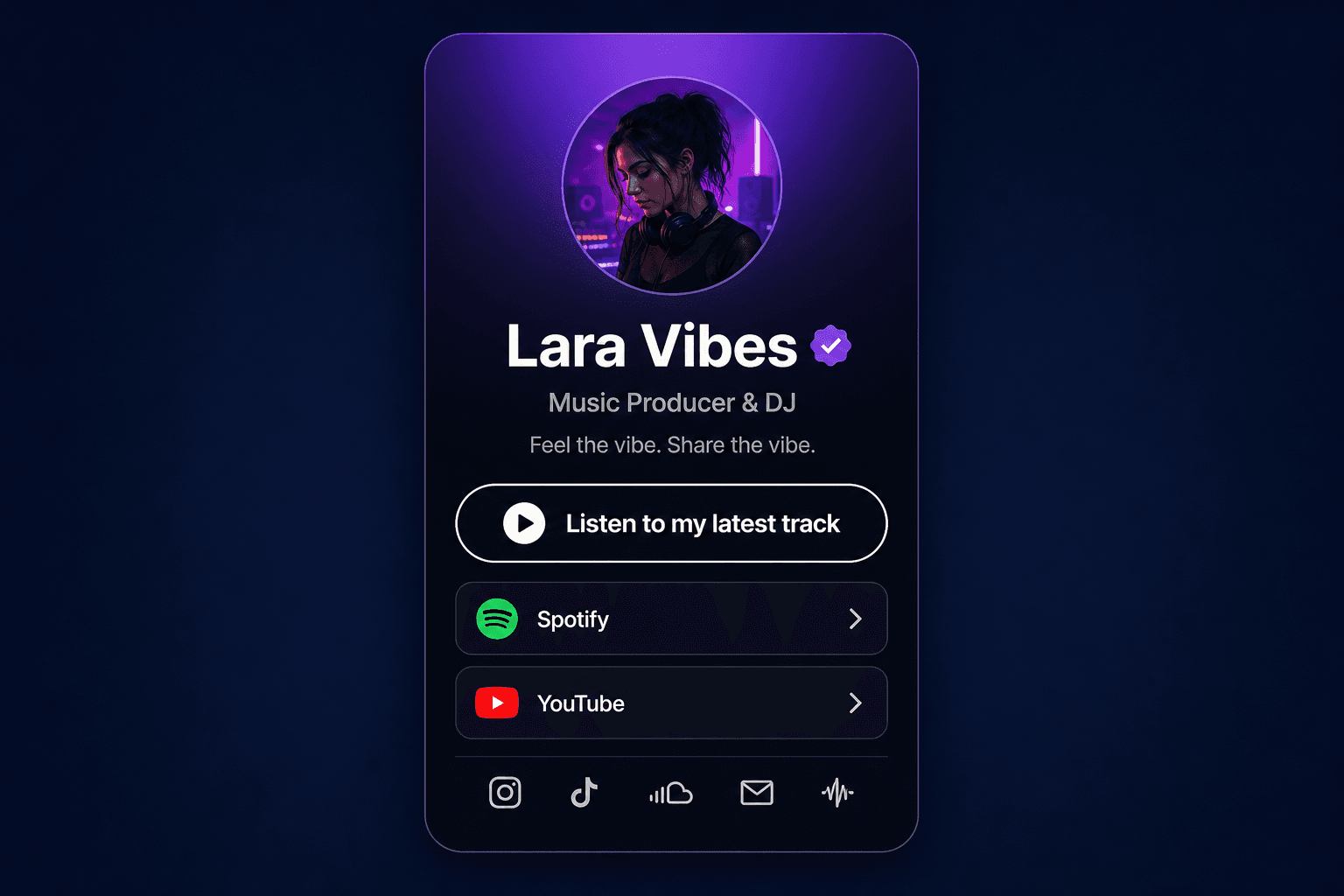
One scan from merch or social posts to music, video, and community links.

Tags on shirts, jackets, and hats that open your page when people notice what you wear.
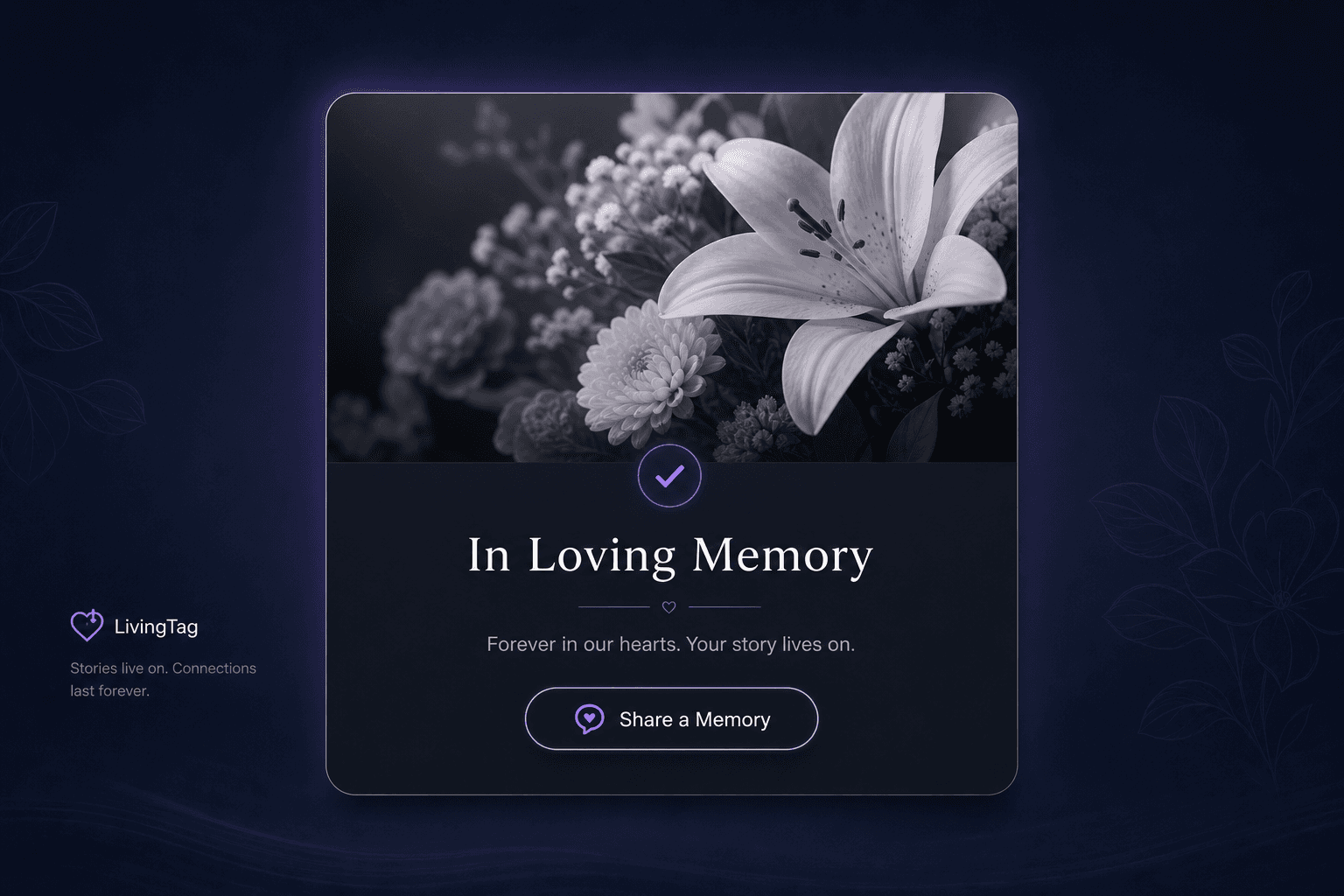
A calm page for photos, stories, and messages families can return to over time.

Unboxing stories, care guides, and updates that live on the package you already ship.
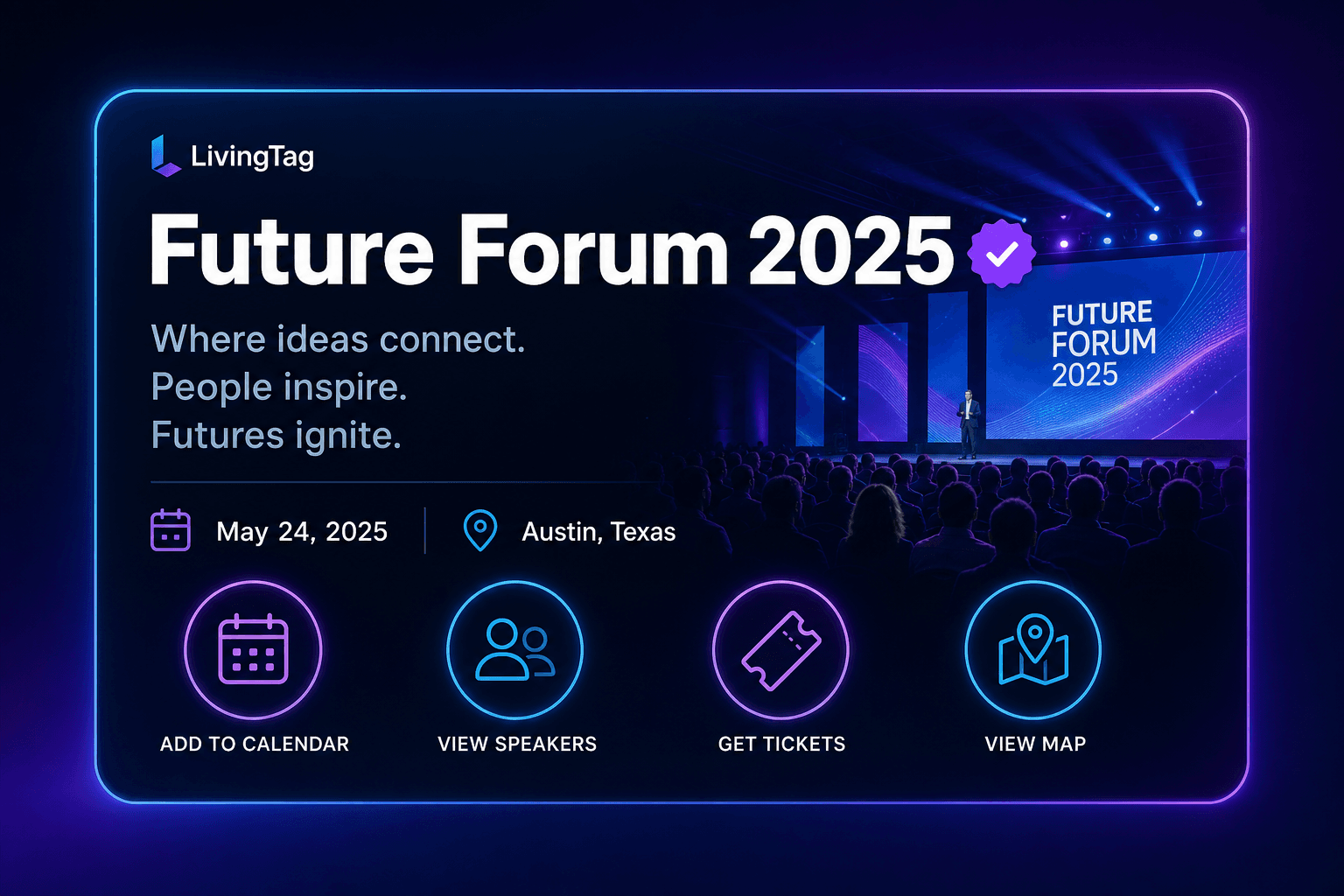
Badges and booths that share schedules, speakers, and follow-up links.
Scanning
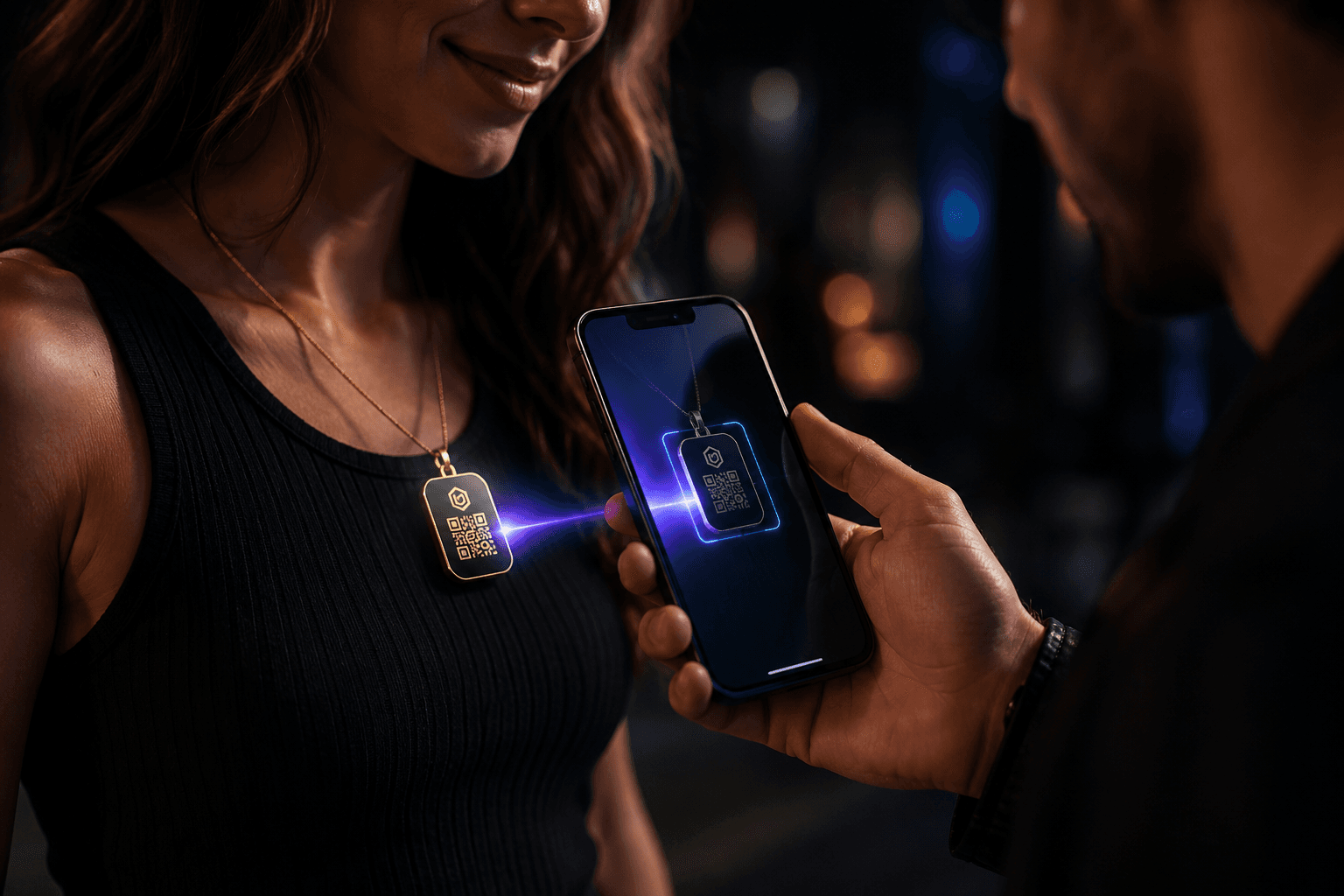
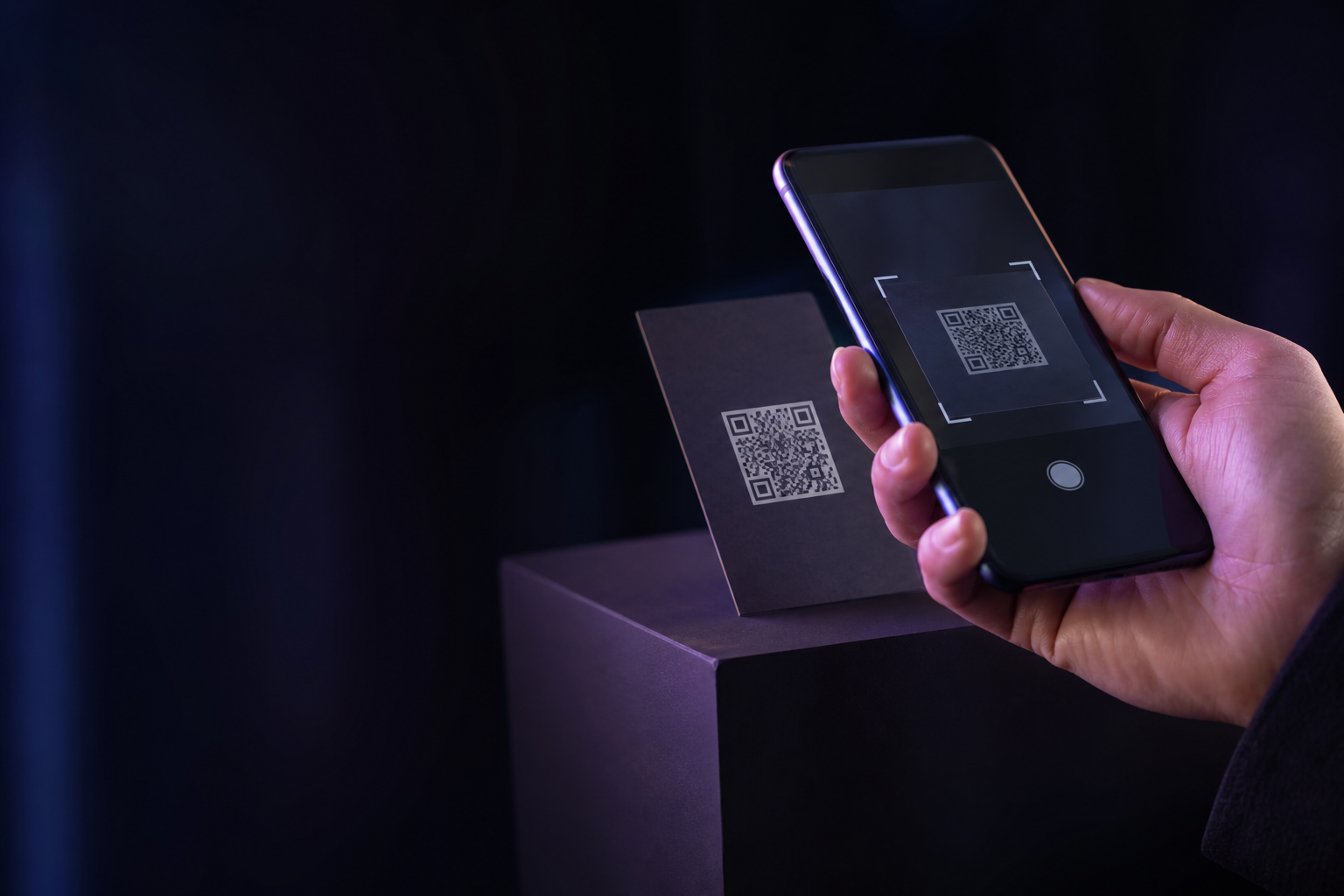
QR codes are scanned with a camera. NFC tags open when someone taps with a compatible phone. Both can open a LivingTag page.
Print a QR on stickers, cards, packaging, or signs. Most phones open the camera and follow the link automatically.
NFC is optional — common on business cards, apparel, and premium products. One tap, same page as a scan.
Your control
You decide what visitors see and when it changes.
You control the page from your account.
You can edit photos, text, and links anytime.
You can change who can view the page, including password options on supported plans.
You can remove or pause content when you are ready.
You choose what to share — public, limited, or private depending on your settings.
Ready when you are
Create your page in minutes, or open a live demo to feel a scan first.