

- What is LivingTag?
- LivingTag lets you connect a digital page to something real — like clothing, cards, products, gifts, or memories — and update that page anytime. Someone scans or taps your tag and sees your story, links, or business info in one calm place.
- How does LivingTag work?
- You create a page, attach a QR code or NFC tag to something physical, and share it in real life. When someone scans or taps, their phone opens your page in the browser. You can change photos, text, and links whenever you want — the tag stays the same.
- Do people need an app to use it?
- No. Most LivingTags open directly in a web browser after scanning. Visitors do not need to download LivingTag to view your page.
- What can I put on a LivingTag page?
- Common examples include photos and videos, social links, a short bio, business hours and contact details, memorial stories, creator updates, and event schedules. What you show depends on the type of page you choose.
- Can I change my page later?
- Yes. Your page is meant to stay useful over time. Update photos, messages, links, or business details whenever something changes — without printing new materials every time.
FAQs
Questions people naturally ask about LivingTag.
A simple explanation of how LivingTag works, what people use it for, and how it connects digital experiences to real-life objects and moments.
The basics
Understanding LivingTag
What it is, in plain terms.

In real life
Real-life uses
Practical ways people use LivingTag today.
- Can I use LivingTag for my business?
- Yes. Many businesses use LivingTag for menus, hours, offers, and contact details on table tents, doors, packaging, and business cards. You can update everything from one place when your day-to-day info changes.
- Can I use it on clothing or merch?
- Yes. Creators and brands often put tags on shirts, jackets, hats, and event wear so fans can scan for music, drops, tour dates, or a personal hello — not a long list of links.
- Can I use it for memorials or family memories?
- Yes. Families use LivingTag for calm remembrance pages — photos, stories, and messages that can grow over time. These pages are designed to feel respectful and human, not promotional.
- Can I use it for events?
- Yes. Events use LivingTag on badges, posters, and booths so attendees can see schedules, speakers, maps, or follow-up links. Organizers can update details during the event if plans shift.
- Can creators use it?
- Yes. Creators use LivingTag as a living profile connected to merch, shows, and real-world moments — one scan opens their world instead of sending people to a static link list.
- Can I attach it to products or packaging?
- Yes. Products can include a tag so customers scan for care instructions, authenticity, the story behind the item, or updates after purchase — the packaging stays the same while the page can evolve.
Trust
Privacy and control
Your page, your choices.
- Can I keep my page private?
- You can choose who can see your page depending on your settings. Some LivingTags are fully public; others can be limited to signed-in users, connections, or people with a password.
- Can I password protect a LivingTag?
- Yes, on supported plans you can add a password so only people you share it with can open the page. This is useful for family-only memorials or private previews.
- Who can see my page?
- That depends on the privacy setting you choose for each tag. Public pages can be viewed by anyone who scans. More restricted settings limit access to people who meet your rules.
- Can I delete or update my content?
- Yes. You can edit or remove content on your pages when you are signed in. If you no longer want a page live, you can pause or change the tag from your account.
- What happens if I stop using LivingTag?
- Your account and pages remain under your control. If you stop updating, your existing tags will show whatever you last published until you change or pause them. For full details, see our Privacy Policy.
Scanning
QR and NFC
How people actually open your page.
- Does LivingTag use QR codes?
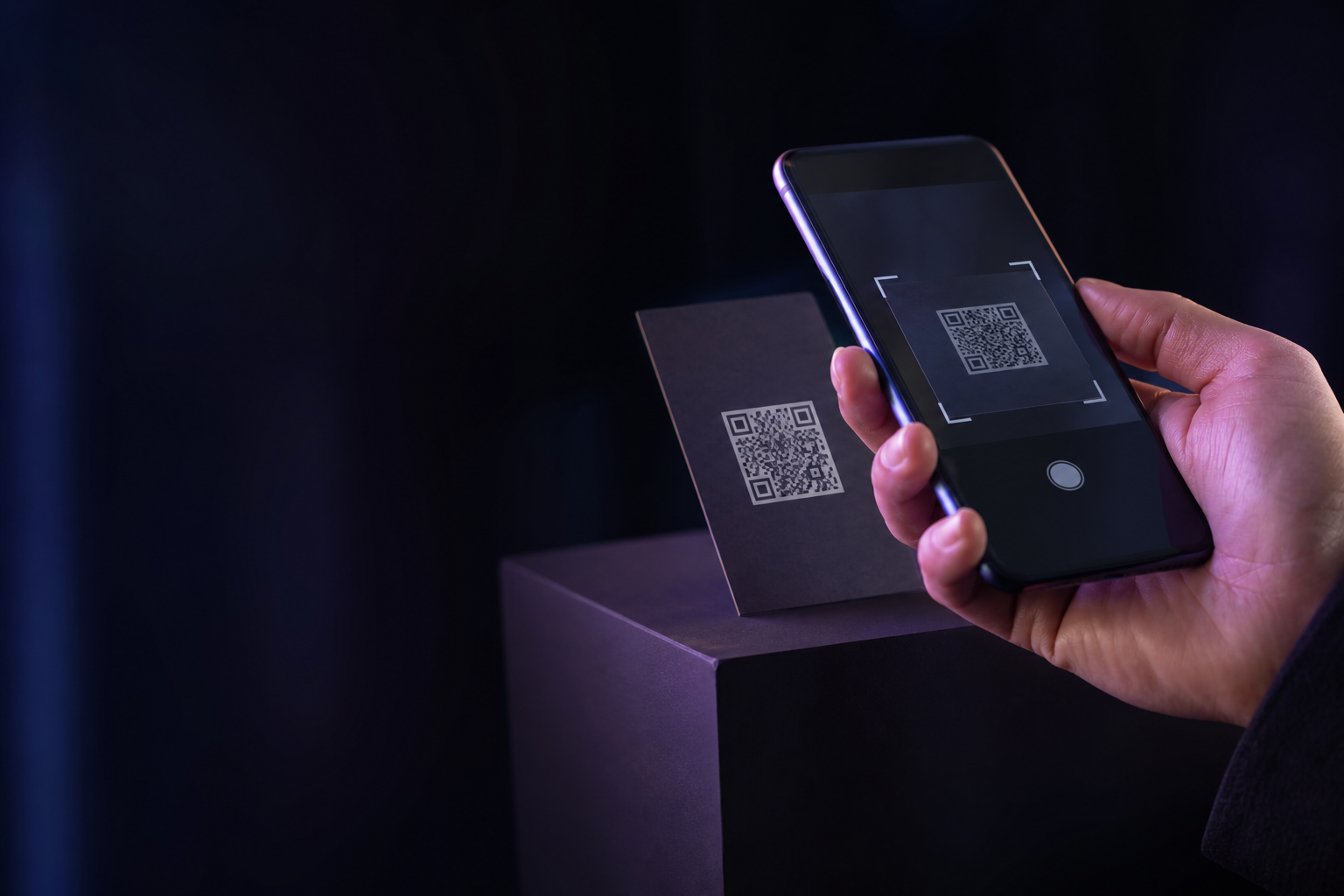
- Yes. QR codes are the most common way to open a LivingTag. Print them on stickers, cards, packaging, signs, or invitations — anyone with a phone camera can scan.
- Does it work with NFC tags?
- Yes. NFC tags let someone tap their phone on a card, label, or piece of clothing to open the same page. NFC is optional; QR works everywhere.
- What's the difference between QR and NFC?
- A QR code is scanned with the camera — great for posters and packaging. NFC is tapped like a contactless card — nice for business cards, apparel, and premium products. Both open the same LivingTag page you control.
Ready when you are
The easiest way to understand LivingTag is to experience one.
Browse a live demo or start your own page — it only takes a few minutes to see how a scan feels.